


Creative Coding Experiments
Experiments on processing, p5.js and unity to improve myself in creative and interactive designs with the help of the analitical thinking in coding.
Creative Computing Lecture from Prof. Dr. Ido Iurgel and Dr. Thomas Laubach
Sponge Bob

size(500, 500);
background(255);
stroke(10);
strokeWeight(0);
//sponge' body
fill(255, 246, 117);
rect(150, 100, 200, 150);
//sponge's arms
rect(70, 190, 80, 10);
rect(350, 190, 80, 10);
//sponge's panth
fill(97, 52,28);
rect(150, 250, 200, 50);
rect(170, 300, 10, 30);
rect(320,300,10,30);
//sponge's legs
line(175,330,175,360);
line(325,330,325,360);
//sponge's shoes
fill(0);
ellipse(325,360,15,10);
ellipse(175,360,15,10);
//sponge's eyes
fill(255);
ellipse(220,170,40,50);
ellipse(280,170,40,50);
//sponge's pupils
fill(0);
ellipse(225,170,10,10);
ellipse(275,170,10,10);
//sponge's mouth
fill(255);
rect(225,215,50,20,10);
Flying Sponge
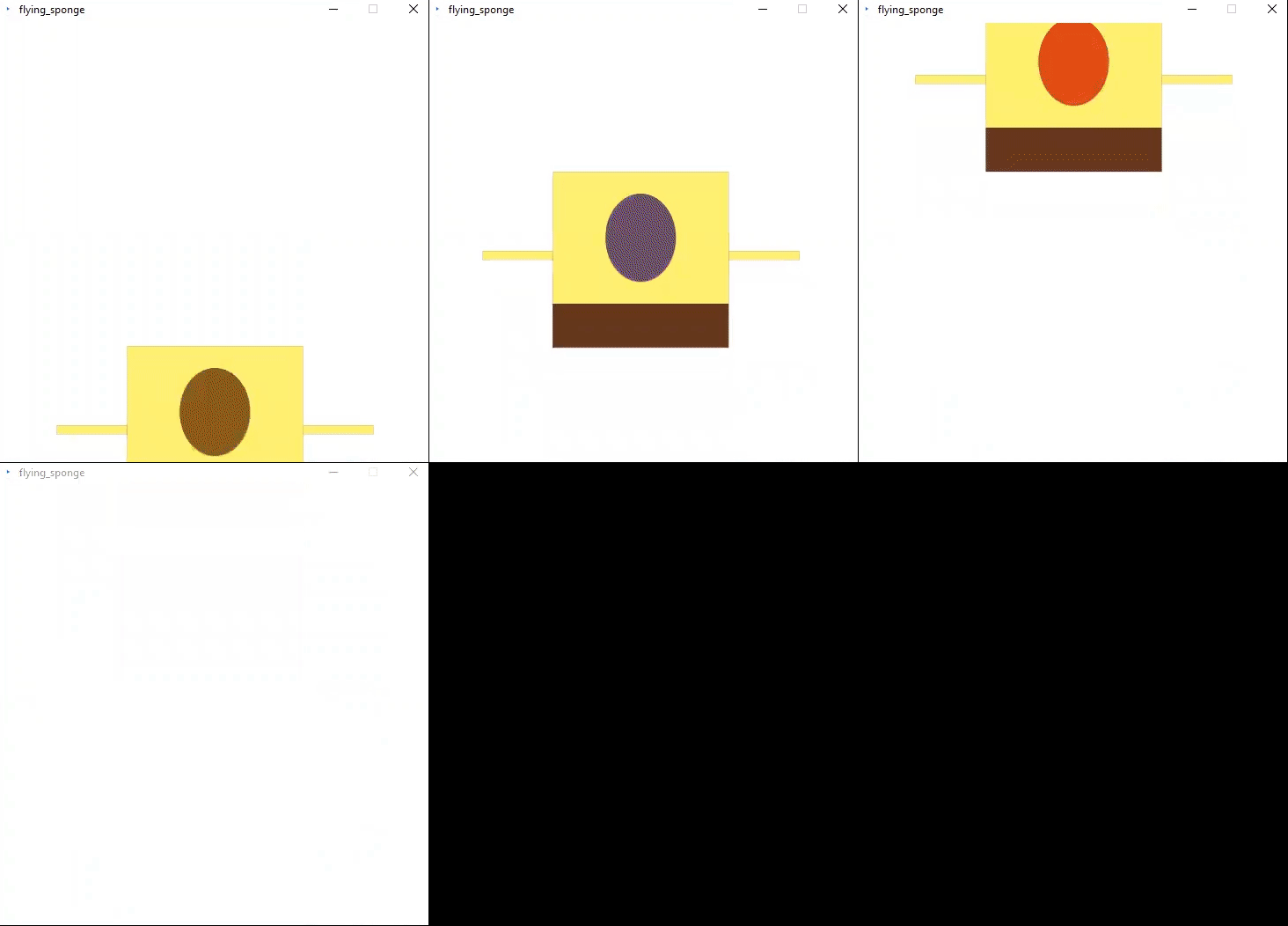
float spongeX;
float spongeY;
float xspeed = 4;
float yspeed = 2;
float eyeR;
float eyeG;
float eyeB;
void setup() {
size(500,500);
spongeX = width/2; // Sponge always starts in the middle of the X direction
spongeY = height/2; // Sponge always starts in the middle of the Y direction
smooth();
}
void draw(){
spongeX = spongeX + xspeed;
spongeY = spongeY + yspeed;
if ((spongeX+180 > width)|| (spongeX-180 < 0)) {
xspeed= xspeed * -1;
}
if ((spongeY+125> height)|| (spongeY-75 < 0)) {
yspeed= yspeed * -1;
}
background(255); // Draw a white background
// Set ellipses and rects to CENTER mode
ellipseMode(CENTER);
rectMode(CENTER);
stroke(10);
strokeWeight(0);
//sponge's body
fill(255, 246, 117);
rect(spongeX, spongeY, 200, 150);
//sponge's arms
rect(spongeX-140,spongeY+20,80,10);
rect(spongeX+140,spongeY+20,80,10);
//sponge panths
fill(97, 52,28);
rect(spongeX,spongeY+100,200,50);
//sponge's eyes
fill(random(170,250),random(20,80),random(20,60));
ellipse(spongeX,spongeY,80,100);
}
Arraying 'sponge' function
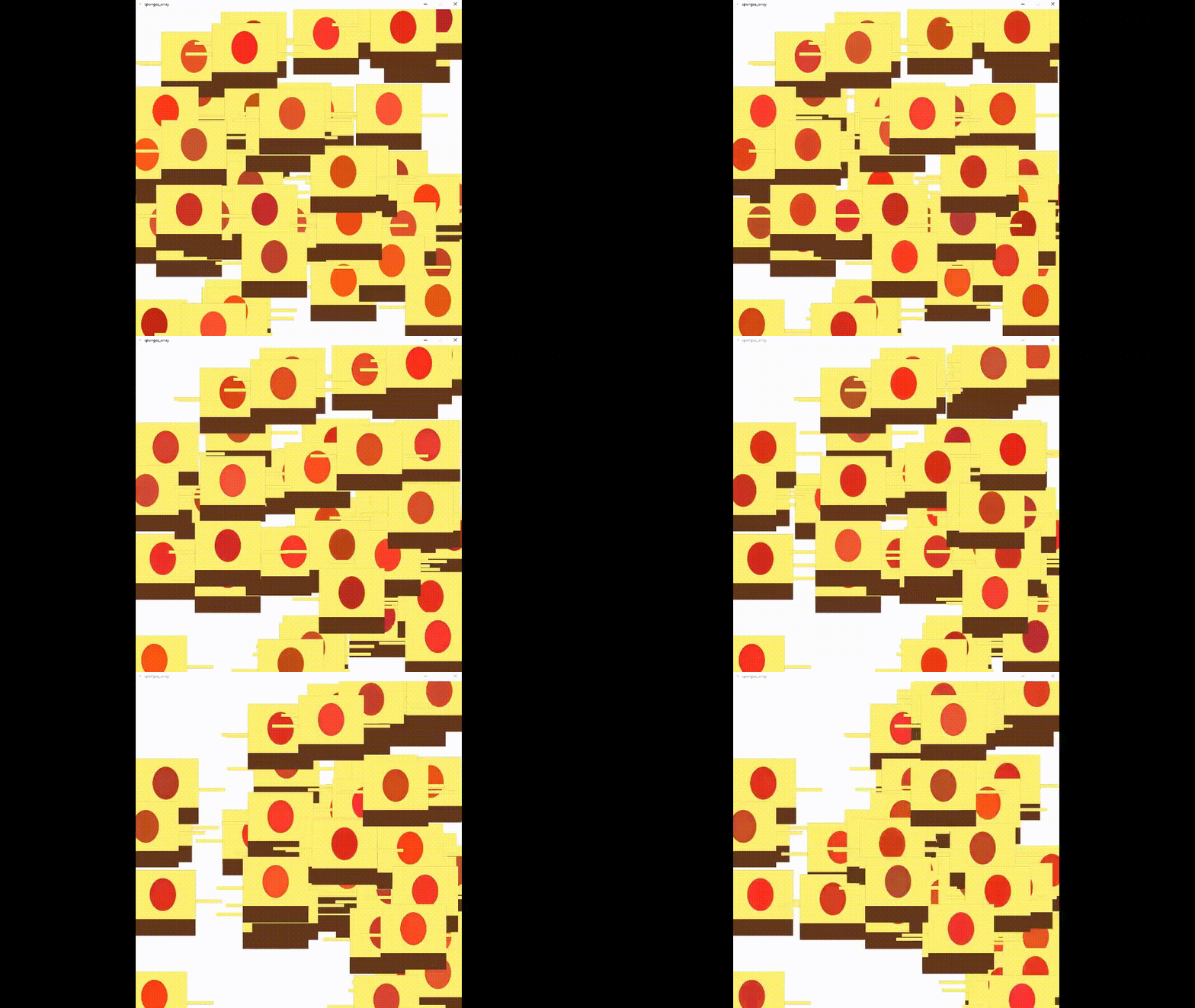
int numCars = 50;
Car[] myCar = new Car[numCars];
void setup() {
size(1000, 1000);
// Arguments go inside the parentheses when the object is constructed.
for (int i = 0; i < numCars; i++)
{
int carColor = color(random(0, 255), random(0, 255), random(0, 255));
int carX = (int) random (0, width);
int carY = (int) random(0, height);
int carSpeed = (int) random(1, 3);
myCar[i] = new Car(carColor, carX, carY, carSpeed);
}
}
void draw()
{
background(255);
for (int i = 0; i < numCars; i++)
{
myCar[i].move();
myCar[i].display();
}
}
// Even though there are multiple objects, only one class is needed.
// No matter how many cookies you make, only one cookie cutter is needed.
class Car {
color c;
float xpos;
float ypos;
float xspeed;
// The Constructor is defined with parameters.
Car(color tempC, float tempXpos, float tempYpos, float tempXspeed)
{
c = tempC;
xpos = tempXpos;
ypos = tempYpos;
xspeed = tempXspeed;
}
void display()
{
ellipseMode(CENTER);
rectMode(CENTER);
stroke(10);
strokeWeight(0);
//sponge's body
fill(255, 246, 117);
rect(xpos, ypos, 200, 150);
//sponge's arms
rect(xpos-140,ypos+20,80,10);
rect(xpos+140,ypos+20,80,10);
//sponge panths
fill(97, 52,28);
rect(xpos,ypos+100,200,50);
//sponge's eyes
fill(random(170,250),random(20,80),random(20,60));
ellipse(xpos,ypos,80,100);
}
void move() {
xpos = xpos + xspeed;
if ((xpos+100 > width)||(xpos-100 < 0 )) {
xspeed = xspeed*-1;
}
}
}
Pixelated Emre

In this project, high resolution photo of me is pixalated (turn into a low resolution photo). Thanks to for loop on x direction into another for loop on y direction, the grid is defined. Every piece(10px by 10px) of the grid filled with the color of its own center pixel. 100 pixels are shown in the one color. for each grid part. Eventough, there is less color information, we can understand I am there. Less is more :)
let img;
function preload() {
img = loadImage('IMG_20191106_200829_898.jpg');
}
function setup() {
createCanvas(800,800);
background(100);
img.resize(800,0);
}
function draw() {
for (let x=0;x <width;x=x+10){
for (let y=0;y<height;y=y+10){
let c=color(img.get(x,y));
fill(c);
rect(x,y,10,10);
}
}
}
Click HERE to open it in open-processing.
Magic Mirror
Mirror with a fuction of square and circle for every pixel in for loop, created with contrast colors of purple and yellow, I hope you enjoy...
It only works in the browser. Click HERE to open it.
Allow camera access to interact with mirror.
On the right, there is my reflection on the mirror :)

Interactive Poster
Interactive poster change colors according to the position of you. It attracts people attention, while they are walking on the street, waiting a bus.
It only works in the browser. Click HERE to open it.
Allow camera access to interact with the poster.
On the right, there is an example of the poster :)
.jpg)
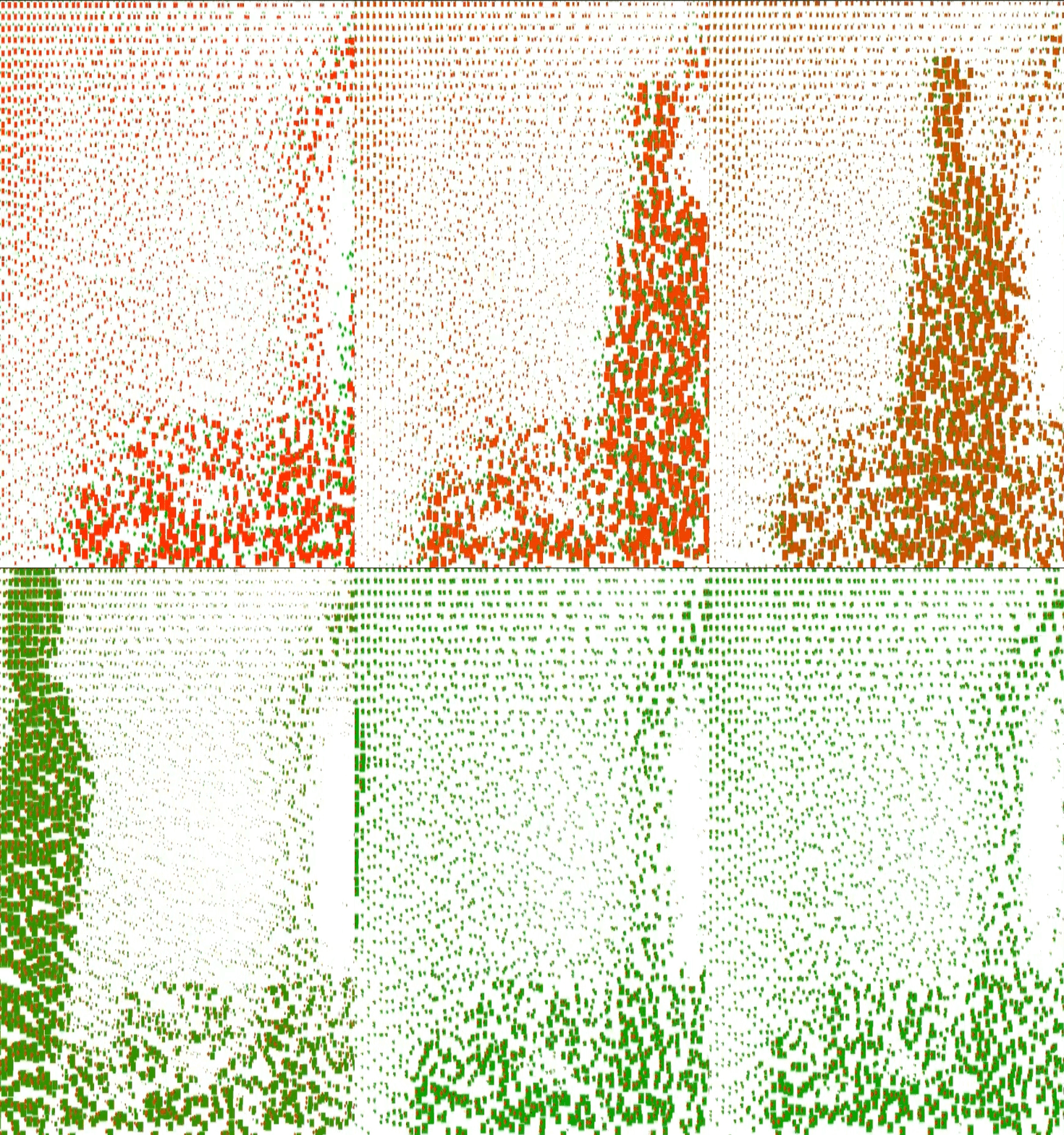
Berlin tour with Robot Kyle
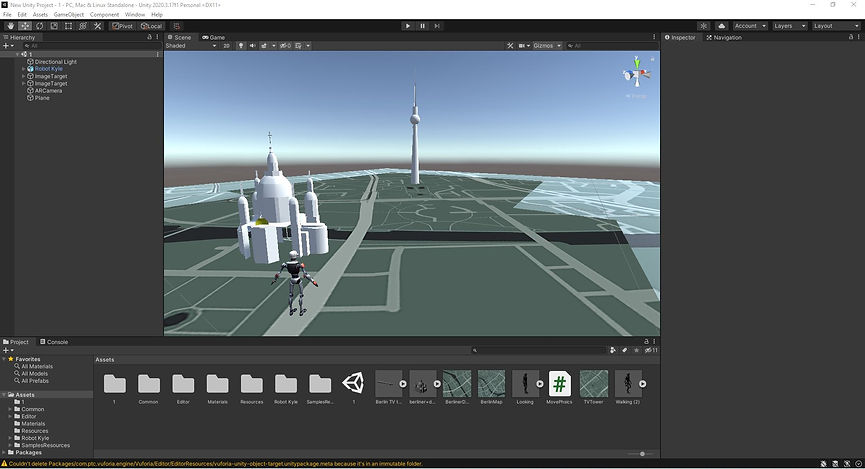
The Cathedral of Berlin and TV tower has AR features which is connected to the map of Berlin.